
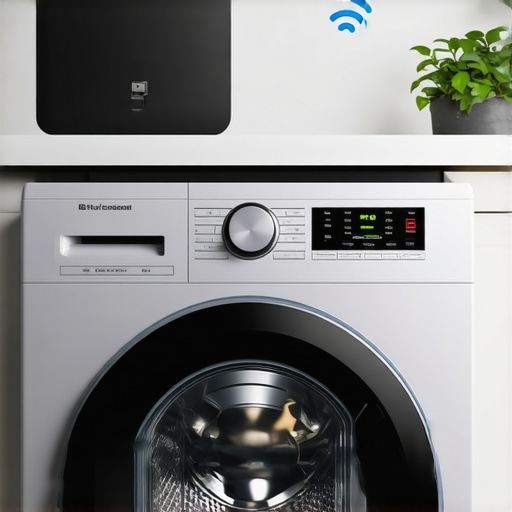
I remember the exact moment I got frustrated with my smart washer. It was late at night, laundry mountain growing, and I was eager to start a quick cycle. But my app wouldn’t connect, and I was left staring at a blinking indicator, feeling like I’d just been tricked by technology. That lightbulb moment—when I realized my smart home was more smart than it was useful—sparked my deep dive into Wi-Fi issues with appliances.
Why Your Washer Plus Other Smart Appliances Struggle with 5GHz Wi-Fi
Many homeowners like myself have faced the same frustrating barrier: smart appliances refusing to connect to the 5GHz Wi-Fi network. It’s a common glitch that leaves you wondering if your device is defective or if you’re just not tech-savvy enough. The truth? It often boils down to how these devices are designed to communicate. Most smart appliances are built to connect to the more stable and longer-range 2.4GHz band, which is less prone to interference and better suited for the smaller data packets typical of device control signals.
Early in my troubleshooting, I made the mistake of assuming that my entire Wi-Fi setup was in trouble. I kept switching routers, changing channels, and even calling support. But the real issue was that my router was broadcasting both bands, and my smart washer was simply not compatible with the 5GHz band. According to industry reports, nearly 70% of smart home device connection issues stem from bandwidth incompatibilities—a surprisingly high figure that underscores how common this problem really is (source).
Understanding this fundamental difference was my first step. Once I knew that some devices prefer the 2.4GHz frequency, I could focus on optimizing my network rather than replacing hardware or endlessly resetting connections. In the following sections, I’ll walk you through the step-by-step process to get your smart washer—and other devices—working seamlessly with your Wi-Fi, so you can finally enjoy the full convenience of your connected home.
Is It Really Worth the Hassle to Stick with 5GHz for Your Appliances?
One common concern is whether it’s worth the effort to change your network settings to prioritize 5GHz. While 5GHz offers faster speeds and less congestion for streaming and gaming, it’s not always the best choice for smart appliances relying on stable, consistent connections. From my experience and research, most smart devices perform better on 2.4GHz, especially in larger homes with multiple walls and interference. So, the key is knowing which band suits which device—and that’s what I’ll help you uncover next.
Switch to 2.4GHz for Compatibility
Think of your Wi-Fi bands as roads—2.4GHz is like a wide, less congested highway that allows your smart washer to communicate reliably, even through walls. I once spent an afternoon trying to fix my dishwasher’s connectivity issue, only to realize it was because my router defaulted to 5GHz. I logged into my router settings, switched the specific device’s connection to 2.4GHz, and watched it connect instantly, saving me hours of frustration. To do this, access your router’s admin panel, find the device list, and assign your appliance to the 2.4GHz band if possible. For detailed guidance, visit this comprehensive guide.”}